
Pathway
Start from the task, not the catalogue
Describe the work in plain language to reach a published Universal Robots application area. A separate catalogue-spec filter lets you inspect the listed payload and reach figures on their own.
Step 01
What do you want to automate?
Pick the closest description of the work. It routes you to one of the published Universal Robots application areas — nothing more is inferred from your choice.
Choose a description above to open the matching published application area.
Product explorer
Filter the published headline specs
A simple catalogue-spec filter over the listed payload and reach figures. It is not an application recommendation, a suitability assessment or a system validation.
0 kg
0 mm
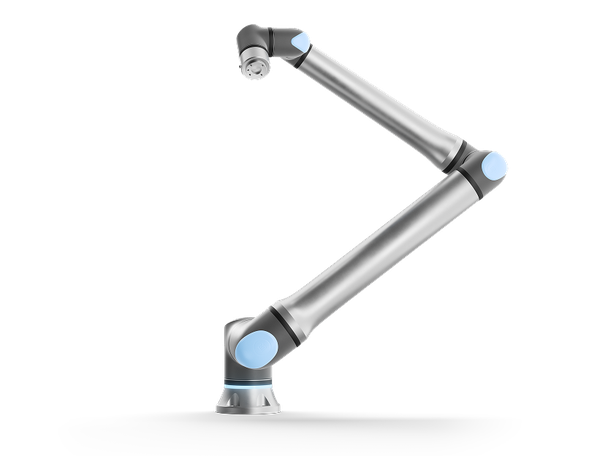 UR8 LongUR Series8 kg · 1750 mmØ 204 mm · 44.7 kg
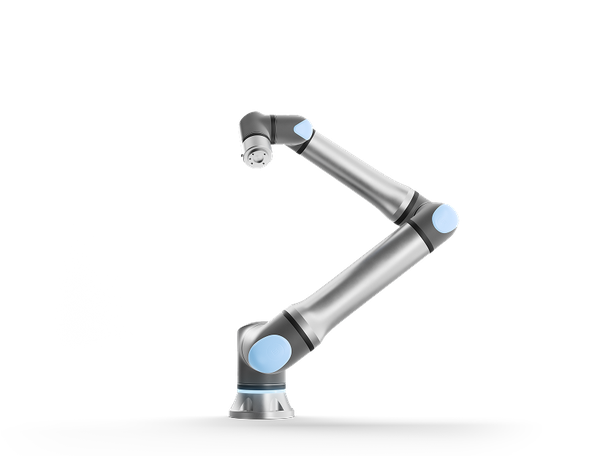 UR15UR Series17.5 kg · 1300 mmØ 204 mm · 40.7 kg
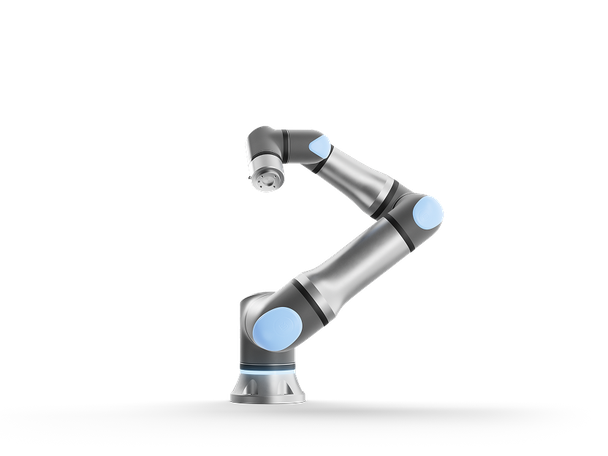 UR18UR Series18 kg · 950 mmØ 204 mm · 39.2 kg
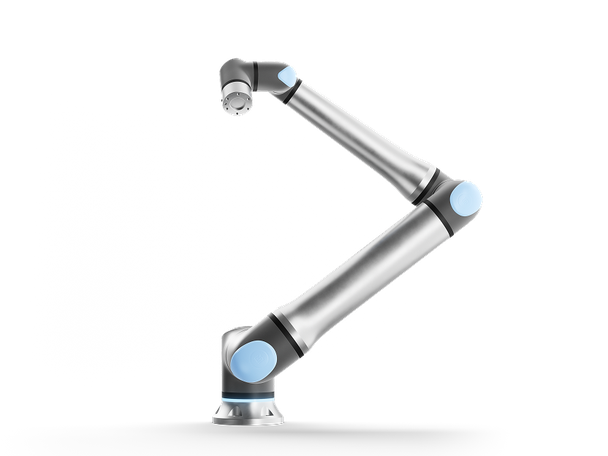 UR20UR Series25 kg · 1750 mmØ 245 mm · 64 kg
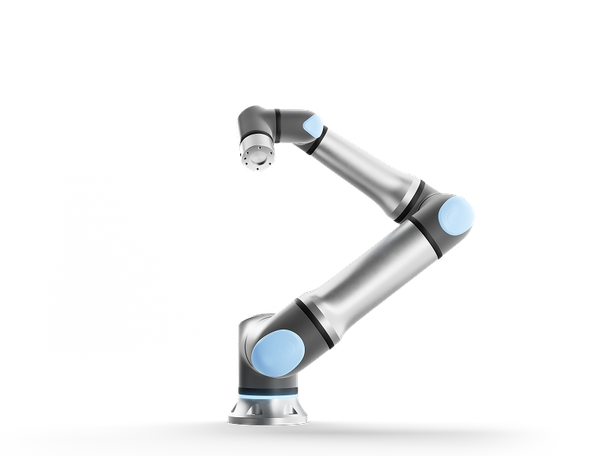 UR30UR Series35 kg · 1300 mmØ 245 mm · 63.5 kg
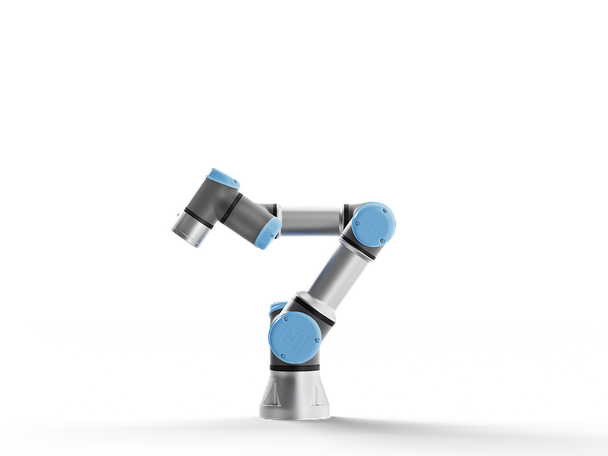 UR3ee-Series3 kg · 500 mmØ 128 mm · 11.2 kg
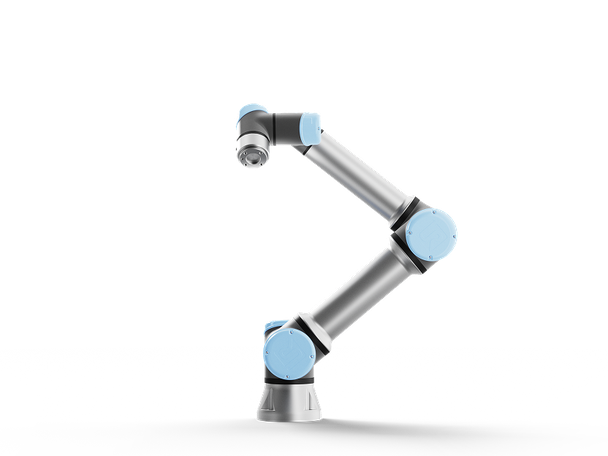 UR7ee-Series7.5 kg · 850 mmØ 151 mm · 20.6 kg
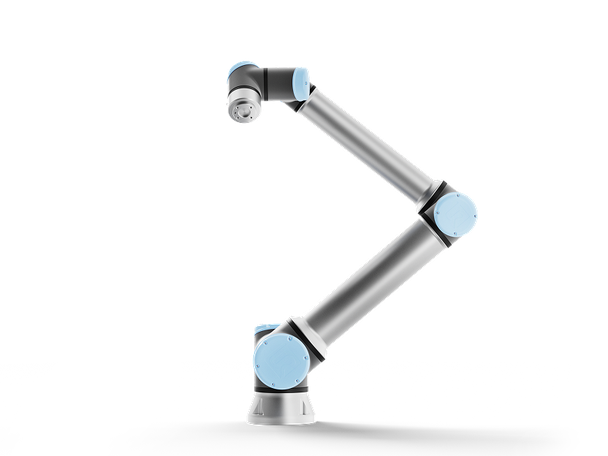 UR12ee-Series12.5 kg · 1300 mmØ 190 mm · 33.5 kg
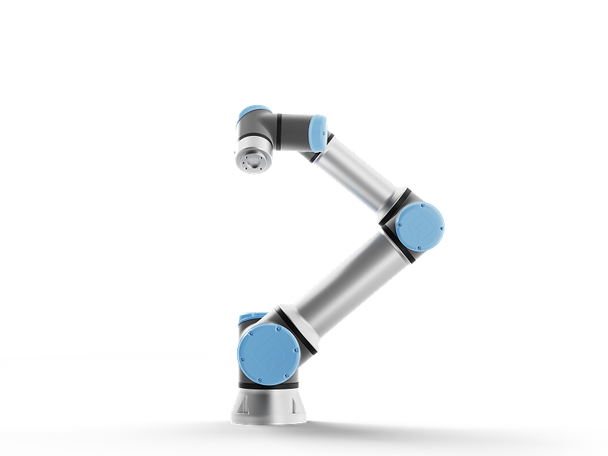 UR16ee-Series16 kg · 900 mmØ 190 mm · 33.1 kg
Catalogue-spec filter only — listed payload and reach. No recommendation, performance or suitability is implied.
What this is
A routing tool into published Universal Robots application areas, plus a filter over listed catalogue specifications.
What it is not
It is not a recommendation, a suitability assessment or a system validation, and it does not price, predict or promise anything.
What happens next
Take the application area into a conversation with Universal Robots or a partner, with your part and your process in hand.